Before you start
The current public build runs on Apple Silicon Macs with macOS 15 or later. Nothing else is needed:
- No separate media player. Kioku plays episodes with its bundled MPV runtime.
- No account. A local library needs no sign-in, cloud service, or API key.
Windows and Linux builds are not published yet. See Windows and Linux below.
Download and install
- Open the download page, which lists the current version and its size. Choose the macOS installer: it is a
.dmgfile. The.zipon the release host is the app's own updater artifact and is deliberately not offered there. - Open the disk image and drag Kioku into your Applications folder.
- Open Kioku from Applications. The setup assistant appears on the first launch.
The setup assistant
First-run setup has five steps: Welcome, Library, Release discovery, Tracking service, and Review. It cannot be dismissed on the first run, and the library step always requires a choice. If you connect more than one tracking service, that step also asks which one syncs both ways.
- Library. Choose one or more folders that contain your anime episodes. Kioku scans newly added folders when setup is saved, and you cannot continue without at least one folder.
- Release discovery. Follow new releases adds the curated SubsPlease 1080p RSS feed so new episodes show up in Releases. Find older or missing episodes offers to install or connect Prowlarr; skip it for now if you like. Automatic downloads stay off either way.
- Tracking service. Optionally connect AniList, MyAnimeList, or Kitsu. You can do this later in Settings; see Connect a tracking service.
- Review. Check the summary and use Edit to change any step. If a tracking service is connected, Import from that service copies your list into Kioku. The import is one-way: nothing is sent to the service.
- Finish setup. Kioku adds and scans your folders, configures the feed, and shows the results, including how many files were scanned and how many episodes need recognition review. Choose Open library to start.
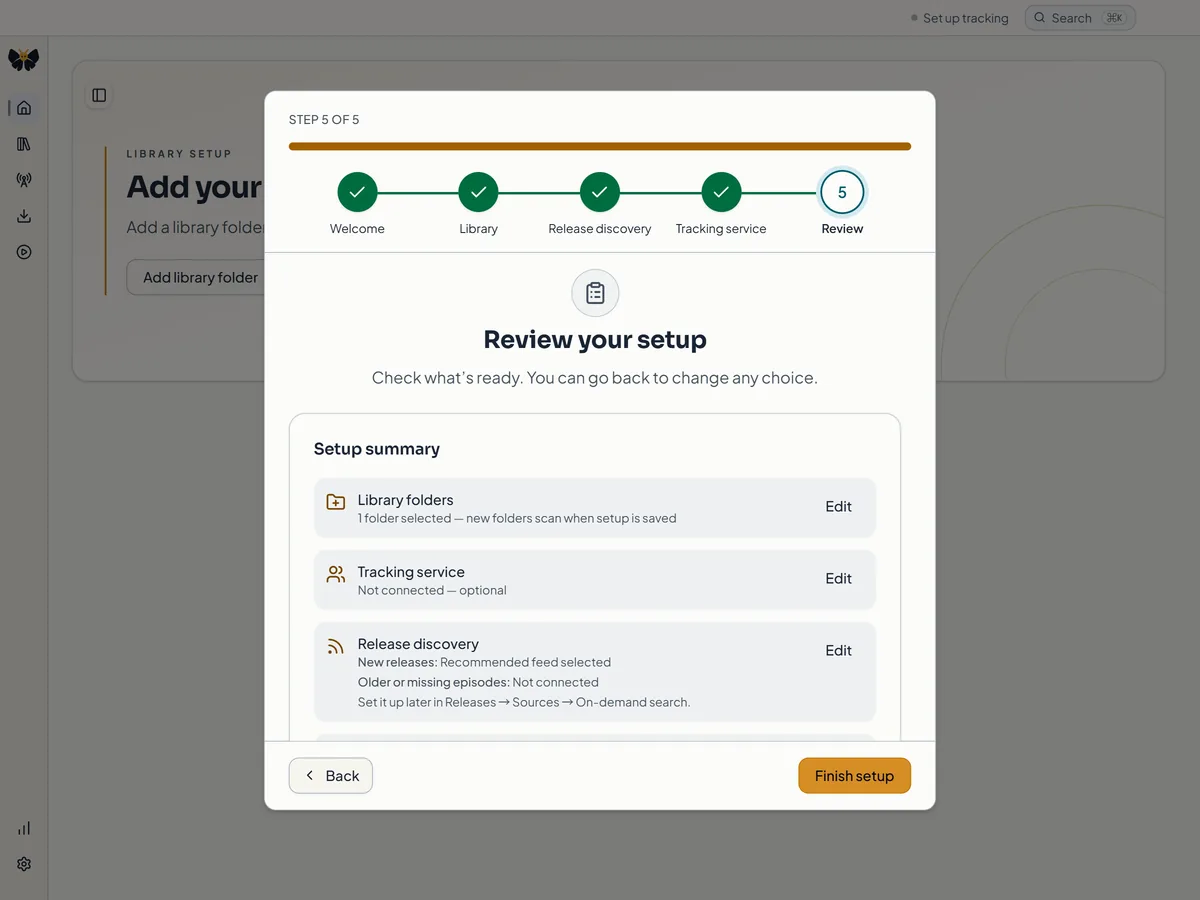
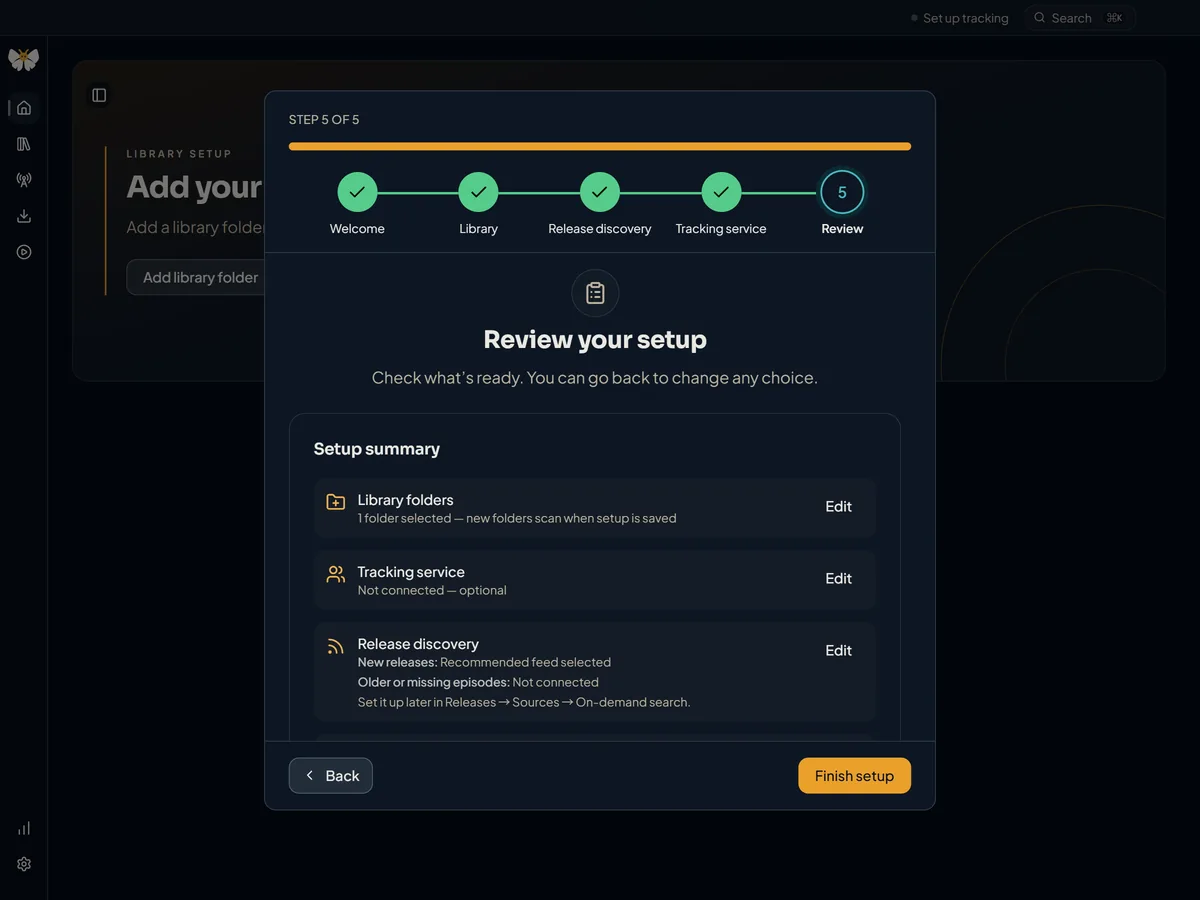
To revisit these choices later, open Settings → Setup and troubleshooting → Open setup assistant. Your current folders, feed, and tracking service are preselected. Closing the assistant discards staged folder and feed changes, but tracking-service connections and Prowlarr sources are saved the moment you connect them.
Two questions after setup
Keep Kioku up to date automatically? Choose Turn on automatic updates or Not now. When updates are on, Kioku checks once at launch and once a day while it is open, downloads a signed update in the background, and asks before restarting. Choosing Later at that point installs the update the next time you quit. Beta builds follow the beta update channel. You can change the setting, choose Check now, or use Restart to update in Settings → Setup and troubleshooting → Updates.
Share usage counts? This is off by default and beta access never depends on it. If you choose Share usage counts, Kioku sends daily totals: the date, Kioku version, operating system, beta release, and counts of setup, playback, franchise-suggestion, and Collector upgrade actions with whether they worked. It never sends anime titles, files or paths, playback history, provider accounts, feedback, logs, crash reports, or a persistent device identifier. Turn off and delete unsent data in the same Settings section stops sharing and deletes anything still waiting on your computer. The privacy policy has the full description.
What to do next
- Library, Home, and Insights explains scanning, file review, statuses, and progress.
- Connect a tracking service walks through the AniList, MyAnimeList, and Kitsu setup.
- Find releases covers RSS feeds, Prowlarr, and the Watchlist.
- Playback and Downloads covers watching with MPV.
Windows and Linux
Kioku keeps Windows and Linux build targets for development, but no public build is published while the macOS release is being qualified. When they ship, the download page will list them. On Linux, playback needs MPV installed, and saving connected-service credentials needs a working secret service such as GNOME Keyring or KWallet.